
Images and documents can be uploaded to the idea session at any time including analysis and reference files generated before the session. A description of each file can be added once the file has been uploaded.
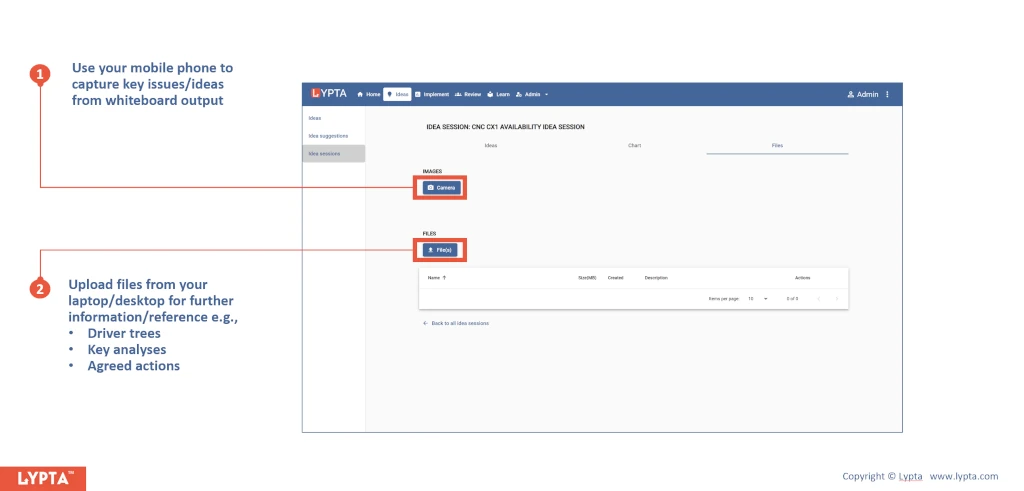
Images might include a simple white board snap shot of any discussion points during the session e.g., a value driver tree. Capturing images uses your phone or laptop’s camera and then uploads this image to the server.
