
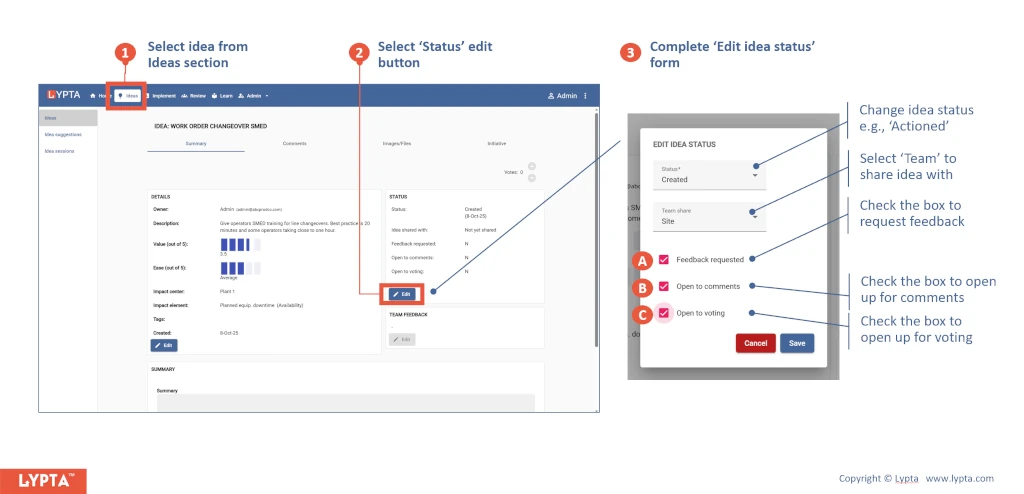
Ideas remain in your own private space. However, if want team members to vote on your ideas you need to:
- Share the idea (so that other people can see the idea)
- Open the idea up to votes by selecting the ‘open to voting’ checkbox in the ‘Edit idea Status’ form
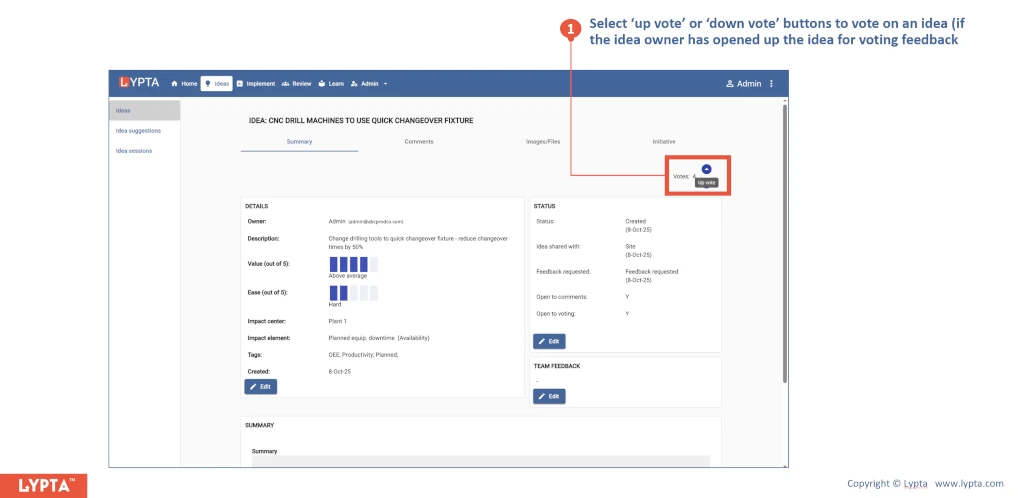
Once people can see the idea, they can easily vote (either up or down) by selecting the ‘up vote’ or ‘down vote’ buttons. If these buttons are not enabled (‘grayed’), then the idea owner has not opened up the idea to voting.
If the idea owner has opened up the idea to comments, you can also comment on the idea using the idea’s ‘Comments’ tab.
